
Many people experience blurry CCTV camera footage at night, which can jeopardize your security efforts. Inadequate lighting, improper settings, and subpar equipment are common culprits affecting image clarity. Fortunately, you can enhance your night vision capabilities by following these four simple steps. With the right adjustments, you’ll ensure that your camera provides clear images when it matters most, allowing you to feel confident in your surveillance system’s performance.
Key Takeaways:
- Adjust the focus and lens settings to enhance clarity.
- Ensure proper lighting around the camera to improve night image quality.
- Regularly clean the camera lens to prevent blurriness caused by dirt or moisture.
Understanding Nighttime CCTV Performance
Factors Affecting Night Vision
Several elements significantly impact the night vision capability of your CCTV camera. These include ambient lighting conditions, camera resolution, lens quality, and the infrared (IR) capabilities of the device. Each factor can either enhance or diminish the clarity of your nighttime footage. Choosing the right settings can dramatically improve outcomes. The settings you use must align with your specific environment for optimal performance.
- Ambient lighting
- Camera resolution
- Lens quality
- Infrared visibility
The combination of these factors directly influences the quality of your CCTV images in low-light conditions.
The Technology Behind Low-Light Cameras
Low-light cameras employ various technologies to optimize image capture under challenging lighting conditions. Many utilize larger sensor sizes that allow for more light entry, significantly enhancing visibility. Additionally, advanced algorithms can process images to reduce noise and improve contrast, resulting in clearer footage.
For instance, some low-light cameras use starlight technology, enabling them to capture color images even in near-darkness. This technology operates effectively in extremely low light, often down to 0.001 lux, which is beneficial for surveillance in dimly lit areas. Other cameras incorporate infrared illumination that provides visibility in complete darkness, allowing the user to track movements without alerting potential intruders. Understanding these technologies will help you choose the right camera for your security needs.
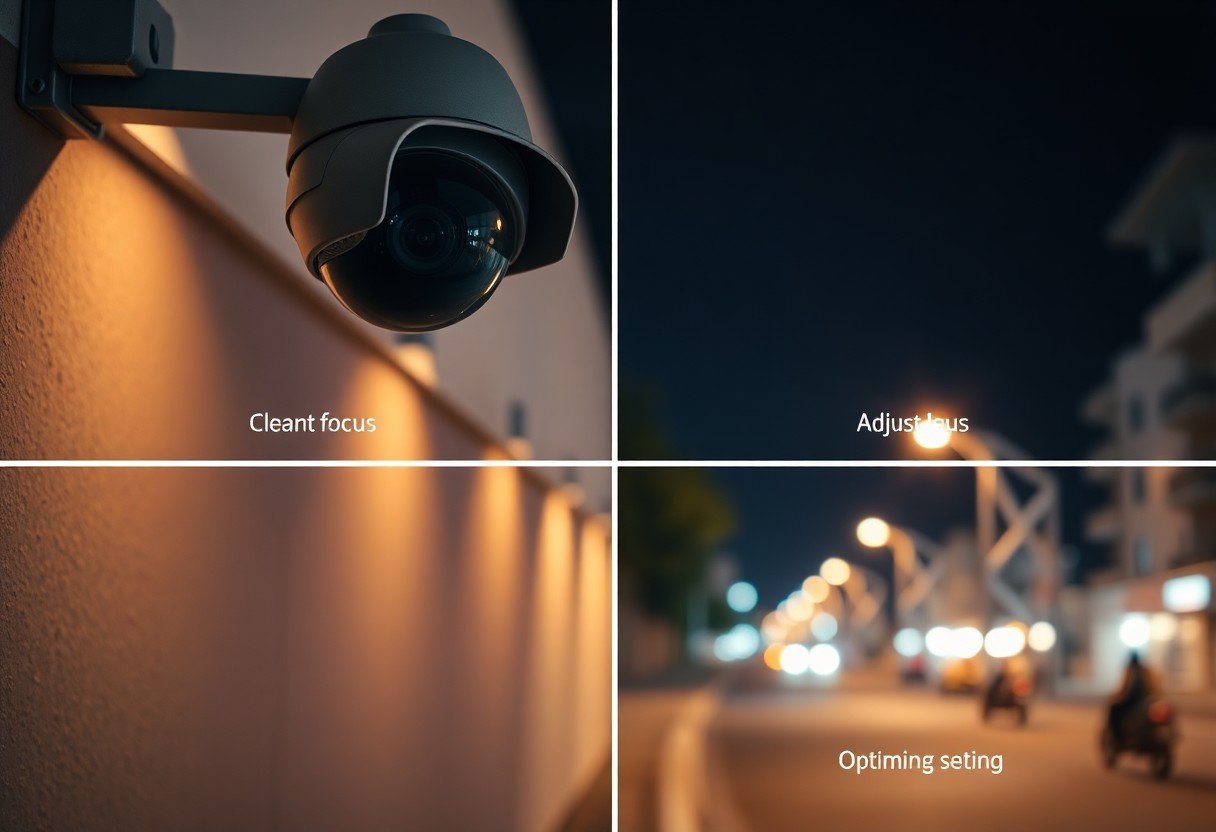
Common Issues with Blurry Night Vision
Lens Obstructions
Lens obstructions can drastically affect your CCTV camera’s night vision quality. Dust, spider webs, or rain can create a layer that obstructs clarity, leading to blurred images. Regularly check and clean your camera lenses to ensure optimal performance, especially before expected changes in weather or environmental conditions.
Improper Camera Settings
Your CCTV camera’s settings play a vital role in image clarity at night. If the brightness, contrast, or exposure is incorrectly configured, it can result in blurry footage. Adjust these settings according to the specific lighting conditions of your surveillance area.
If you find your images are still unclear after adjusting your settings, consider enabling features like infrared or night vision mode, which enhance clarity in low-light situations. Additionally, check the frame rate to ensure it is set appropriately for your needs; a higher frame rate can improve image fluidity and reduce blurriness.
Poor Installation Angle
The installation angle of your CCTV camera significantly influences image quality. When positioned incorrectly, the camera may not capture the intended view or focus properly. Ensure your camera is mounted level and directed at the correct angle to provide the best perspective for surveillance.
Additionally, consider potential obstructions in the camera’s path, such as tree branches or signage. A slight adjustment in angle can make a significant difference in how effectively your camera captures nighttime footage, enhancing both clarity and detail.
Low-Quality Equipment
Using low-quality CCTV cameras can result in subpar night vision performance. Many budget models lack the necessary technology for clear imaging in low-light conditions. Investing in higher-quality equipment can pay off significantly in improved clarity and detail during night surveillance.
When considering new cameras, look for models equipped with features like high-resolution sensors, advanced night vision capabilities, and low-light enhancement technology. These investments ensure that your surveillance system effectively captures clear, useable footage, even in challenging lighting conditions.
Step-by-Step Guide to Achieving Clear Night Vision
| Steps | Details |
|---|---|
| Step 1: Clean the Camera Lens | Regularly clean your camera lens to eliminate dust and dirt that can impair image clarity, especially at night. |
| Step 2: Adjust Camera Settings | Configure your camera settings to enhance night vision capabilities, such as increasing brightness or switching to night mode. |
| Step 3: Optimize Lighting Conditions | Ensure that there is adequate lighting in the area to enhance the camera’s ability to capture clear images at night. |
| Step 4: Proper Camera Placement | Place your camera in a strategic location, avoiding obstructions and ensuring a clear line of sight for optimal performance. |
Step 1: Clean the Camera Lens
A clean lens is necessary for sharp night vision. Use a microfiber cloth and lens cleaner to gently wipe the lens and remove smudges or dirt. Check regularly, as particles can accumulate quickly, especially in outdoor environments.
Step 2: Adjust Camera Settings
Accessing your camera’s settings is vital for improving night image quality. You should enable low-light enhancement features, increase the exposure time, and adjust the contrast to make nighttime footage clearer.
Look for options like infrared mode or infrared cut filters in your settings, which can help improve visibility in complete darkness. Adjusting the resolution will also impact clarity; a higher resolution provides more details, which is advantageous for night vision.
Step 3: Optimize Lighting Conditions
Lighting plays a significant role in how well your CCTV captures images at night. Position additional light sources strategically around your property to enhance visibility without creating glare, which can confuse the camera.
Consider the use of motion-activated lighting, which can illuminate a specific area only when needed, providing the necessary light while preserving energy. Ensure that lighting is directed towards the camera to avoid shadows that could obstruct your view.
Step 4: Proper Camera Placement
Position your camera to maximize its effectiveness in capturing clear night imagery. Avoid installing it in areas with excessive movement or obstructions that can interfere with the camera’s line of sight.
Mount your camera at a height and angle that covers the widest possible area. Ensure it remains sheltered from elements like rain or snow, which might obscure the lens during night recordings and diminish image quality.
Maintenance Tips for Clear Night Vision
- Regular Cleaning
- Updating Firmware
- Adjusting Equipment
Thou must prioritize these maintenance tips to ensure optimal performance of your CCTV cameras at night.
Regular Cleaning Schedule
Establish a routine for cleaning your CCTV lenses to prevent dust and dirt buildup. Use a microfiber cloth and a gentle lens cleaner, avoiding abrasive materials that can scratch the surface. Cleaning every month is advisable, yet you should adjust based on the environment; for instance, high-pollution areas may require more frequent maintenance.
Updating Firmware and Software
Keeping your CCTV system’s firmware and software up to date is imperative for enhanced performance and security features. Regular updates can improve night vision capabilities and fix bugs that could obscure video quality.
Manufacturers often release updates to enhance features and address vulnerabilities, which can significantly impact your camera’s ability to capture clear footage at night. Enabling automatic updates is a wise decision, but if manual updates are necessary, schedule time to check for updates every few months. Ensure you follow the manufacturer’s guidelines closely during this process to avoid potential issues.
Adjusting and Calibrating Equipment
Slight adjustments and proper calibration of your CCTV cameras can significantly improve nighttime visibility. Ensure your cameras are properly aligned and angled for optimal coverage of well-lit areas, which can help improve night vision quality.
Most CCTV systems allow you to customize settings such as brightness, contrast, and infrared sensitivity. Engage with these settings to find the perfect balance according to your specific environment. A well-calibrated camera will not only show clearer images but also extend the lifespan of your equipment by reducing unnecessary strain.
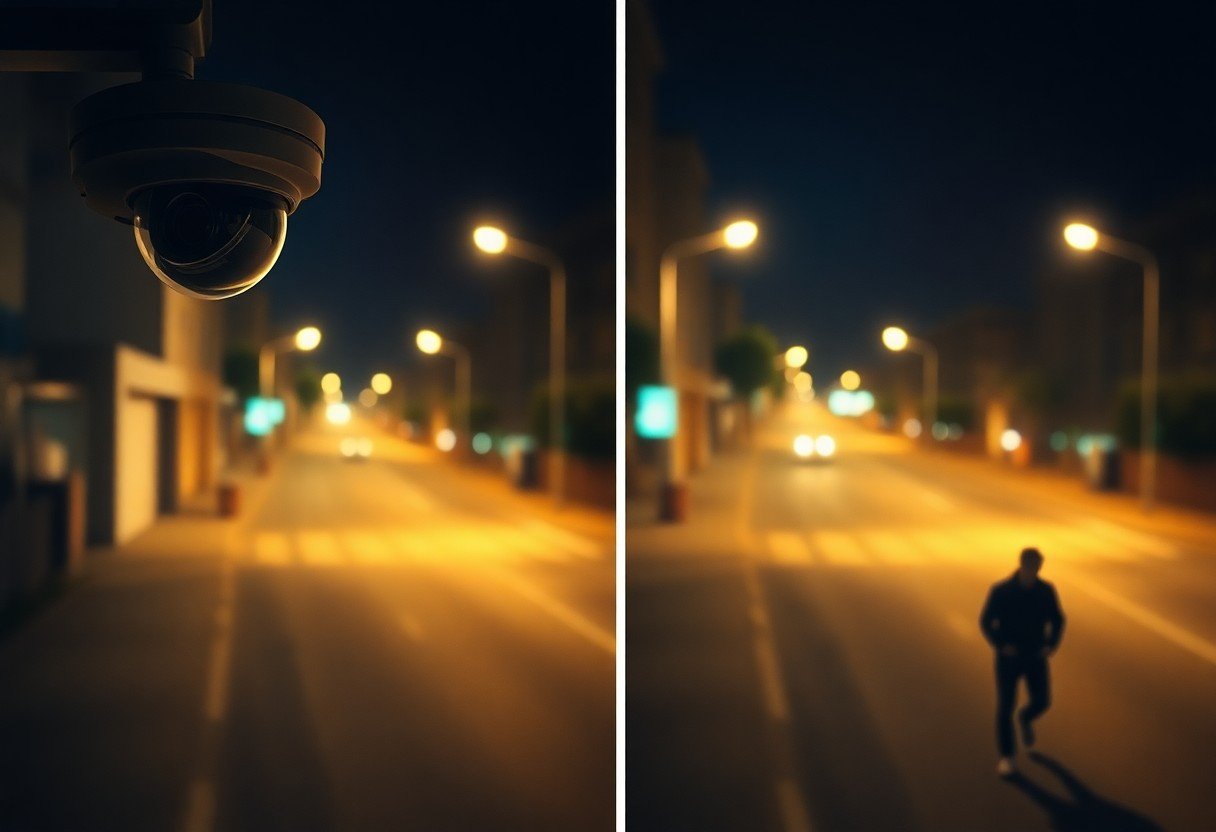
Advanced Techniques for Enhanced Clarity
- Opt for higher resolution cameras
- Install additional lighting
- Adjust your camera’s exposure settings
- Utilize image enhancement software
- Incorporate AI technologies
| Technique | Description |
|---|---|
| Higher Resolution Cameras | Choose cameras with at least 1080p resolution to ensure clearer images. |
| Additional Lighting | Add infrared or white light sources to improve visibility in dark environments. |
| Exposure Settings | Modify your camera’s settings to optimize light intake based on your surroundings. |
| Image Enhancement Software | Make use of specialized software to restore details in blurry footage. |
| AI Technologies | Utilize AI tools to analyze and enhance image quality automatically. |
Image Enhancement Software
Implementing image enhancement software can significantly improve the clarity of your nighttime footage. Programs like Adobe Photoshop and dedicated CCTV analytics can sharpen images, reduce noise, and restore details that might be lost due to low light conditions.
Utilizing AI Technologies
Incorporating AI technologies into your surveillance system can vastly improve image quality. AI-driven software can automatically adjust settings for optimal clarity and offer real-time analysis of footages, ensuring you capture the best possible images, even in the darkest environments.
Utilizing AI technologies not only streamlines the process of enhancing image clarity but also brings advanced capabilities such as facial recognition and motion detection into play. For instance, some systems utilize machine learning algorithms to adapt to varying light conditions, continuously optimizing for the best outcome. In a case study, a security firm noted a 40% increase in incident recognition accuracy after they modified their cameras with AI-enhanced systems.
When to Seek Professional Help
Signs of Equipment Failure
If your CCTV images remain consistently blurry despite adjustments, it’s a strong indication of potential equipment failure. Look for signs like flickering images, persistent error messages, or failure to activate night vision. These symptoms may suggest issues with the camera sensor, lens misalignment, or deteriorating hardware, necessitating expert intervention.
Benefits of Professional Surveillance Services
Utilizing professional surveillance services can enhance your security system’s effectiveness significantly. Experts bring advanced knowledge and access to high-grade equipment that ensures optimal performance and clarity. Moreover, they can provide seamless installation, routine maintenance, and rapid troubleshooting, saving you time and minimizing disruptions.
Investing in professional services not only guarantees the installation of the right technology tailored to your specific needs but also offers ongoing support and updates to keep your system at peak condition. These experts can identify vulnerabilities, suggest upgrades, and implement solutions you may overlook, ensuring your property remains well-protected at all times.
Conclusion
To wrap up, achieving clear images from your CCTV camera at night is necessary for effective surveillance. By ensuring proper lighting, adjusting your camera settings, using infrared technology, and regularly maintaining your equipment, you can significantly enhance nighttime visibility. These four steps will help you make the most of your security system, providing peace of mind and reliable monitoring in low-light conditions.
FAQ
Q: Why is my CCTV camera blurry at night?
A: Blurriness at night can result from inadequate lighting, dirty lenses, or the camera’s low light performance. Ensure your camera has sufficient infrared capability or external lighting.
Q: What should I do to clean the camera lens?
A: Use a microfiber cloth and lens cleaner to gently wipe the camera lens. Avoid using rough materials or chemicals that can scratch the surface.
Q: How can I enhance the image quality at night?
A: Adjust the camera settings for low light conditions, including increasing the exposure time and sensitivity. Consider adding supplemental lighting to improve visibility.
Q: Is it beneficial to use infrared illumination?
A: Yes, infrared illumination can greatly improve nighttime visibility by providing additional light that is invisible to the naked eye, allowing the camera to capture clearer images.
Q: What settings should I adjust for better night vision?
A: Focus on adjusting the gain, shutter speed, and image brightness. Check the camera’s night mode features to optimize performance for low-light environments.