
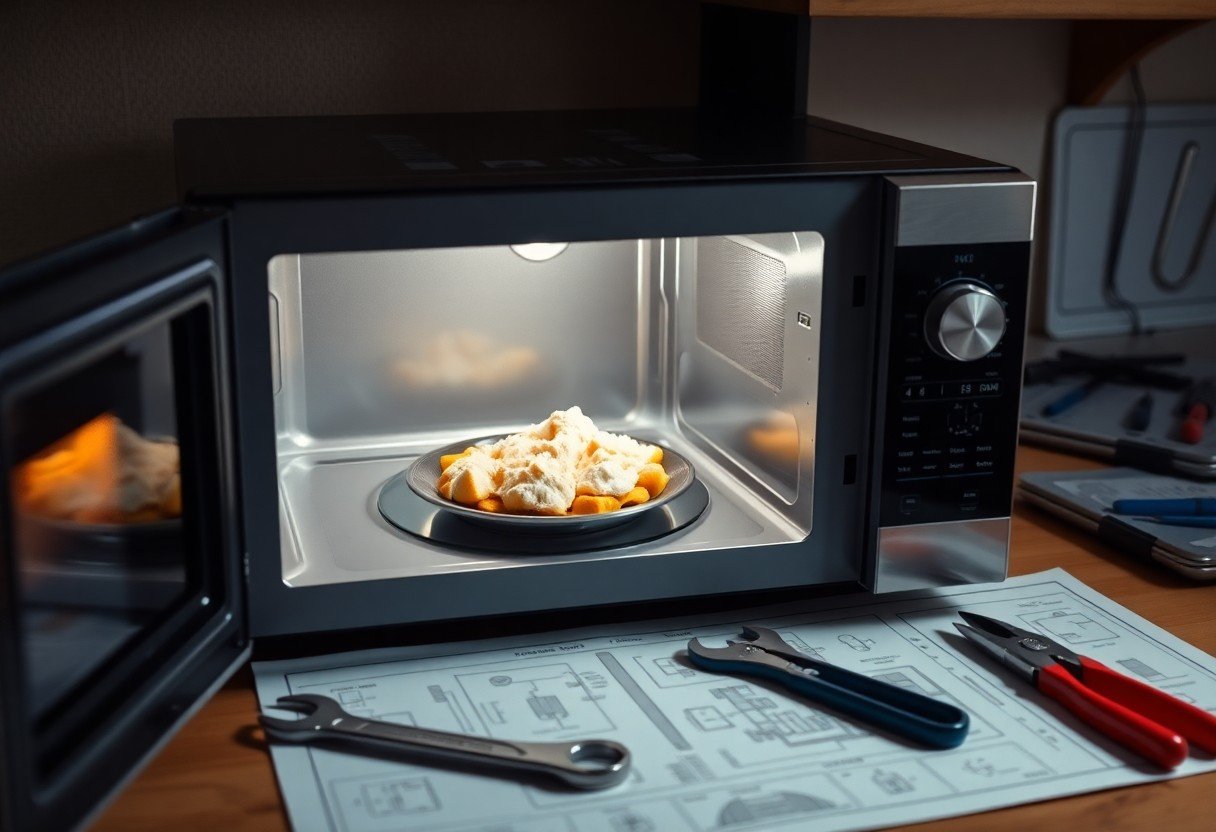
Just because your microwave is not heating food doesn’t mean it’s time to invest in a new one. In this guide, you’ll learn three easy steps to diagnose and fix the common issues that could be causing the problem. With some basic tools and precautions, you can safely check components like the door switch and magnetron, potentially saving you both time and money. Follow these steps to bring your microwave back to life, ensuring your meals are hot and delicious once again.
Key Takeaways:
- Check the power supply and ensure the microwave is properly plugged in.
- Inspect the door latch and ensure it closes securely to activate the heating mechanism.
- Test the microwave’s components, such as the magnetron and high-voltage fuse, for faults.
Understanding Microwave Functionality
How Microwaves Heat Food
Microwaves heat food by emitting electromagnetic waves that cause water molecules in the food to vibrate, generating heat. This process occurs uniformly, allowing food to cook quickly and efficiently. With the microwave’s rotating turntable, the waves evenly distribute, ensuring that hot spots are minimized while food heats up from the inside out.
Common Components of a Microwave
Key components of a microwave include the magnetron, high-voltage capacitor, diode, and the turntable motor. The magnetron generates the microwaves, while the capacitor and diode help manage and direct the power supply. The turntable motor ensures even cooking by rotating the food.
Understanding these components is vital when diagnosing issues. The magnetron is particularly important, as it is responsible for producing the microwaves that heat your food. If faulty, it can prevent the microwave from functioning entirely. Similarly, the high-voltage capacitor can store energy and contribute to the power supply, making it necessary for proper operation.
Reasons Why a Microwave Stops Heating
Several factors can cause your microwave to stop heating effectively. Common issues include a failing magnetron, a malfunctioning door switch, or problems with electrical connections. These components work together, and if one fails, the entire heating mechanism can be disrupted.
When your microwave fails to heat, the issue may stem from a worn-out magnetron, which often leads to an audible buzzing or humming sound without the heating effect. Additionally, a defective door switch could prevent the microwave from starting at all, as safety protocols require the door to be securely closed for operation. Checking these components can pinpoint the problem before deciding on repairs or replacements.
Initial Troubleshooting Steps
Checking the Power Supply
First, ensure that your microwave is receiving power. Check if it’s plugged in and that the outlet is functioning correctly. You can test this by plugging in another appliance. If the microwave is connected to a power strip, ensure that it is turned on and not tripped. A blown fuse or tripped circuit breaker can also prevent your microwave from heating.
Inspecting the Door Seal and Switch
The microwave door must close properly for it to operate. Inspect the door seal for any debris or damage and ensure that it makes contact when closed. Also, check the door switch; if it is faulty or malfunctioning, it may prevent the microwave from heating.
Check the door seal meticulously. If you notice food particles trapped in the grooves, clean it thoroughly to ensure a proper seal. Additionally, test the door switch by manually pressing it. It should click and engage; if not, you may need to replace it. Ensuring the door functions correctly is vital for the safe operation of your microwave.
Examining Control Settings
Incorrect control settings can also cause your microwave not to heat. Make sure you’ve selected the appropriate power level and time. Check if it’s set for a specific function like ‘defrost,’ which may lead to limited heating.
Be attentive to how you set the controls. If your microwave has a timer or sensor options, ensure they are activated properly. Sometimes, the display may show that it’s operating, but a wrong setting prevents it from heating effectively. Double-check the user manual to familiarize yourself with all functions and settings for optimal use.
Identifying Internal Issues
Testing the Magnetron
To test the magnetron, you’ll need to first discharge the capacitor for safety. Once that’s done, use a multimeter to check for continuity in the magnetron terminals. A reading of infinity indicates a faulty magnetron which requires replacement. If the magnetron appears damaged or shows no signs of a reading, it’s likely the culprit in your heating woes.
Diagnosing High Voltage Diode
Begin by disconnecting the diode and testing it with a multimeter. A functioning diode will show continuity in one direction and none in the reverse. If you find continuity in both directions, it’s defective and needs replacement to restore proper microwave function.
High voltage diodes are crucial for converting AC to DC in the microwave’s power supply system. When diagnosing, also look for signs of damage, such as burns or cracks, which could indicate excessive heat and electrical failure. Replacing a faulty diode is often an inexpensive but vital repair that can rectify heating issues.
Evaluating the Capacitor
To evaluate the capacitor, first discharge it fully and then use a multimeter to check its capacitance. If the reading is significantly lower than the capacitor’s rated value, it needs replacing, as a malfunctioning capacitor can prevent the microwave from heating properly.
Capacitors store electrical energy, and a faulty one can disrupt the power supply to the magnetron, leading to inadequate heating. Look for swelling or leakage, as these are indicators of failure. Replacing a capacitor is crucial; ensure you choose one with the correct specifications for your microwave model.
Assessing the Microwave Transformer
Check the microwave transformer by examining its primary and secondary windings for continuity using a multimeter. If either winding is open, the transformer is defective and should be replaced to restore the unit’s heating capability.
The transformer increases voltage for the magnetron, and a faulty one can impede microwave performance. Signs of damage might include buzzing sounds or burnt insulation. Carefully replace the transformer to ensure your microwave operates safely and efficiently, as it is integral to the heating mechanism.
Repairing Common Microwave Problems
Replacing the Magnetron
When your microwave isn’t heating, the magnetron might be the culprit. This component generates microwaves for cooking food, and a malfunction can lead to insufficient heating. If your microwave buzzes but doesn’t heat, you might need to replace the magnetron to restore functionality.
Fixing or Replacing the High Voltage Diode
The high voltage diode converts AC current to DC, allowing the magnetron to operate effectively. If the diode is faulty, your microwave may fail to heat food. Checking the diode with a multimeter can confirm if it is working; a reading of infinite resistance usually indicates that it needs replacement.
To replace the high voltage diode, first, ensure the microwave is unplugged to avoid electric shock. Locate the diode on the circuit board, disconnect it, and install the new one, ensuring all connections are secure. This simple fix can restore heating efficiency and prolong your microwave’s life.
Replacing the Capacitor
A malfunctioning capacitor can prevent your microwave from heating food properly. It stores and releases electrical energy, necessary for the high voltage system. If your microwave is noisy or sparking, inspect and potentially replace the capacitor.
To replace the capacitor safely, discharge it first to avoid electric shock. Remove any protective covers and locate the capacitor on the circuit board. After disconnecting the old part, install the new capacitor, ensuring that the connections match properly. This replacement is necessary for maintaining optimal microwave performance.
Addressing Transformer Issues
The transformer steps up the voltage needed for the microwave to operate. If it’s damaged or malfunctioning, your microwave may not generate the necessary power to heat food. Inspect the transformer for any visible damage or signs of wear.
Replacing a defective transformer requires careful handling, as it deals with high voltage. Before beginning, ensure the microwave is entirely unplugged. Locate the transformer, detach it from the circuit board, and install the new one with the correct connections to restore functionality. This replacement is vital for overall microwave performance and safety.
Preventive Measures
Regular Maintenance Tips
To ensure your microwave remains in good condition, perform regular maintenance. Clean the interior and exterior with a damp cloth to avoid the buildup of food particles and stains. Inspect the door seals frequently for any wear and tear, as a proper seal is necessary for safety and efficiency. Additionally, check the turntable to make sure it rotates freely. Any neglect can lead to performance issues over time.
- Clean the interior regularly.
- Inspect door seals for damage.
- Check the turntable for smooth operation.
- Avoid using metal containers or aluminum foil.
Any maintenance you perform will prolong your microwave’s lifespan and efficiency.
Common Usage Mistakes to Avoid
Using a microwave improperly can lead to diminished performance or even failure. Avoid common mistakes, such as using metal containers, which can cause sparks, or covering food too tightly, which may trap steam and create a mess. Additionally, not adjusting cooking times for different food types can result in uneven heating.
When you use your microwave, ensure you select appropriate containers suited for microwave use, as plastic not labeled as microwave-safe can melt and release harmful chemicals. Always leave enough space for food to expand and steam to escape, preventing splatters. If your food isn’t heating evenly, try rotating the dish for a more uniform result.
When to Call a Professional
If you’ve tried troubleshooting and your microwave still isn’t heating, it may be time to call a professional. Signs that indicate expert assistance is needed include strange noises, error codes on the display, or a burnt smell emanating from the unit. These concerns often point to more technical issues that require specialized knowledge.
Microwaves contain complex electrical components, like the magnetron and high-voltage capacitor, which can be hazardous to replace without proper training. Safety should be your priority, and your microwave’s internal workings may require expertise that only a certified technician can provide. Ignoring these signs may lead to more significant damage or safety risks, so don’t hesitate to seek professional help.
Safety Precautions
Discharging the Capacitor
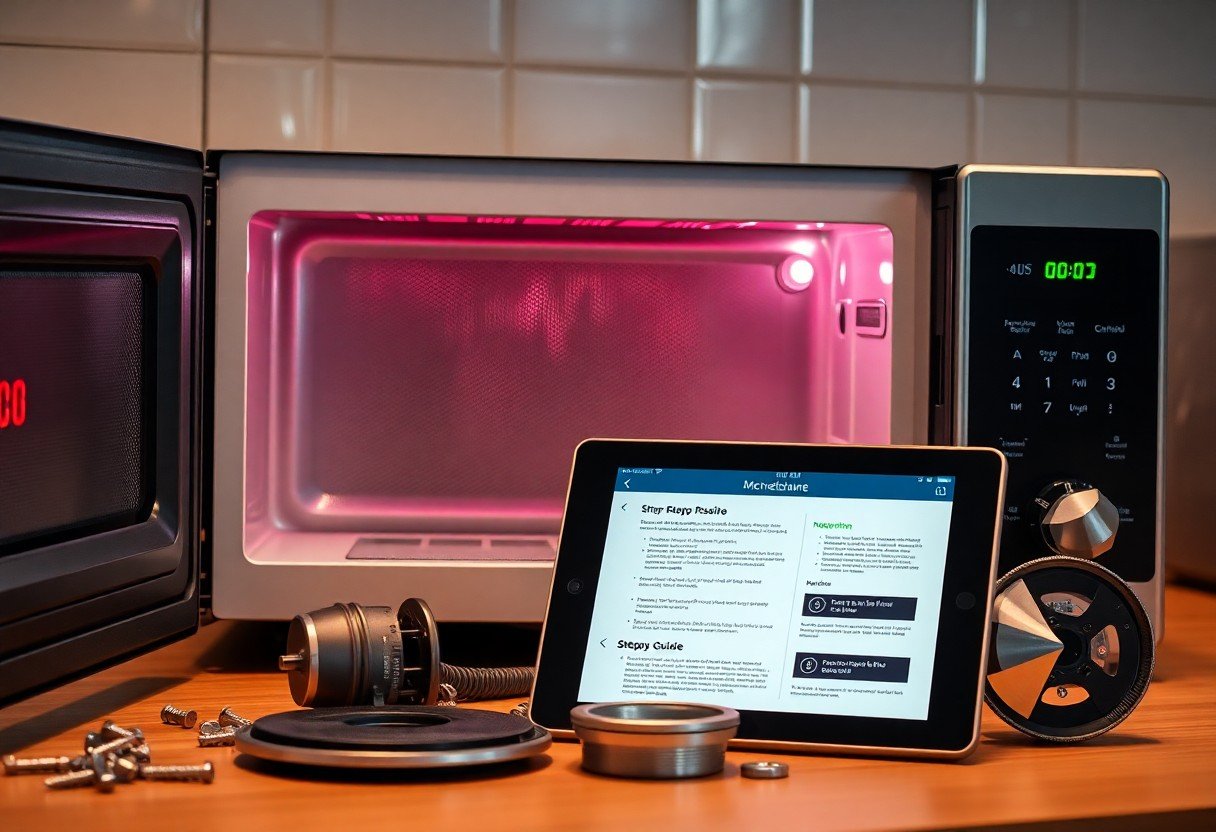
Before you begin any repair, it’s necessary to discharge the capacitor to prevent electrical shock. Locate the capacitor, typically a cylindrical component near the high-voltage circuit. Use an insulated screwdriver to short the terminals, ensuring you bridge the terminals for at least 30 seconds. Always treat this step with caution, as the capacitor can hold a charge even after the microwave is unplugged.
Handling Components Safely
When dealing with internal components, practicing safe handling is vital. Always use insulated tools and work in a dry environment to reduce the risk of electrical shock. Be cautious of sharp edges and broken parts, and consider wearing gloves to protect your hands. Additionally, avoid touching any exposed wires or terminals while working on the microwave.
In particular, when removing or installing parts, make sure you’re grounded to prevent static electricity from damaging sensitive components. Keep your workspace organized, ensuring that tools and parts are within reach while minimizing clutter. This not only simplifies the repair process but also reduces the likelihood of accidents.
Electrical Safety Guidelines
Adhering to electrical safety guidelines is fundamental when repairing your microwave. Ensure the appliance is unplugged at all times while you work on it. Use a multimeter to verify that no electrical current is present before touching any internal components. Always consult the microwave’s manual for specific instructions related to your model, as different units may have unique safety features you need to consider.
Additionally, understand the fuse and circuit specifications of your microwave. Replacing a blown fuse with the wrong amperage can lead to further damage. When reconnecting any wiring, ensure you match the proper color codes and connectors. If unsure, consult with a professional technician for advice, especially for intricate electrical repairs.
Summing up
So, when your microwave isn’t heating food, you can quickly troubleshoot the issue by checking the power source, examining the door latch, and inspecting the internal components. By following these three straightforward steps, you can identify the problem and decide whether a simple fix or professional repair is needed. Taking these actions not only saves you time but also ensures your microwave works efficiently, allowing you to continue enjoying your favorite meals without interruption.
FAQ
Q: Why isn’t my microwave heating food?
A: Common reasons include a faulty magnetron, blown fuse, or issues with the door switch. These components may prevent the microwave from generating heat.
Q: How can I identify if the magnetron is faulty?
A: Signs of a faulty magnetron include strange noises, a failure to heat, or an overheated microwave. Testing with a multimeter may confirm if it’s defective.
Q: What should I do if the fuse is blown?
A: Locate the microwave’s fuse, usually in the power cord or control panel. Replace it with a new fuse of the same rating. If it blows again, further inspection is needed.
Q: How do I check the door switch?
A: Open the microwave door and press the switch with a stick to see if it clicks. If it doesn’t, the door switch may be broken and will require replacement.
Q: Can I repair my microwave myself?
A: Yes, if you have experience with electrical appliances. Always ensure the microwave is unplugged before attempting any repairs. If unsure, consult a professional.